Posts in category ”Development”
Found 16 hits, currently showing 1-10.

Farewell to the guys from Rolla
Do you remember a decade-old site called 4 Guys From Rolla? I used to visit it a lot in the early days of ASP.NET.

Father of fractals
The mathematician Benoit Mandelbrot died today of pancreatic cancer at the age of 85, but most people probably don’t have a clue who he was.
One year with Stack Overflow
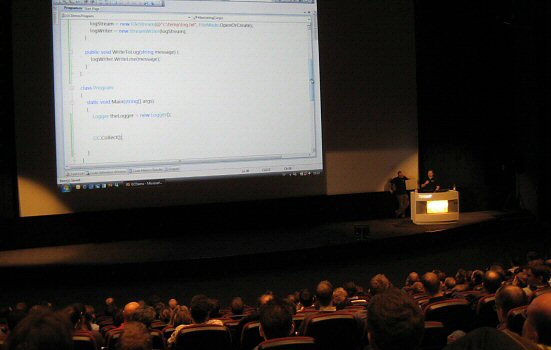
Almost a year ago I noticed that two of my favorite coding bloggers, Jeff Atwood and Joel Spolsky, were founding a company together with the amusing name Stack Overflow. Their aim was to create a site with useful information for fellow coders, generated by user content.

Obama inauguration in PhotoSynth
45 years ago, a man named Martin Luther King stood in front of the Lincoln memorial and spoke to 250 000 people. His voice carried the words “I have a dream” across the National Mall.

Relocated VPP folders in EPiServer R2
One of the new features in EPiServer R2 version is the relocation of system folders. In previous versions they were stored in the same folder as the other site related files, but now they seem to be installed in Program Files by the new Installation Manager.
ASP.NET and standards compliancy
ASP.NET has always been taking a lot of hard words from web standards advocates. Many of the complaints are well deserved, but there are some ways to make things slightly better.
Microsoft reveals .NET code
Today it was revealed that Microsoft will release the source code to parts of the .NET Framework. It will likely occur during the shipment of VS2008 and .NET Framework 3.5.

MIX07 in Las Vegas
The MIX conference is currently held in Las Vegas, just as last year. The reports are pouring in and most of them are containing the word “Silverlight” in one way or another.
Creating CSS Control Adapters
The popular ASP.NET framework comes with a set of pre-defined controls, which can speed up web development. Unfortunately many of the controls will produce a result which is less than optimal when it comes to accessibility and web standards.
The legacy of software
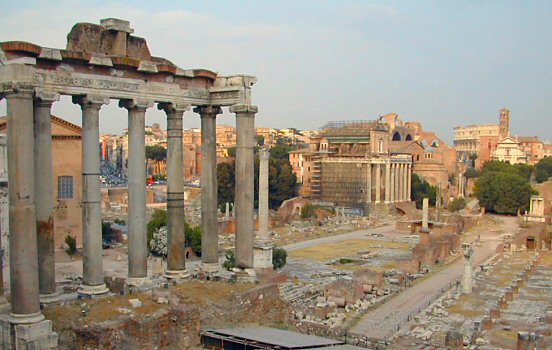
When I go to old cities such as Rome, I love to visit the ancient buildings. Some were built over two thousand years ago and still stand before my eyes. But when future historians and archaeologists will rediscover the year of 2007, it is unclear if they will find much of use.